Top 3018s
500W spindle · HGH15 X rail · 300 × 180 × 80 mm

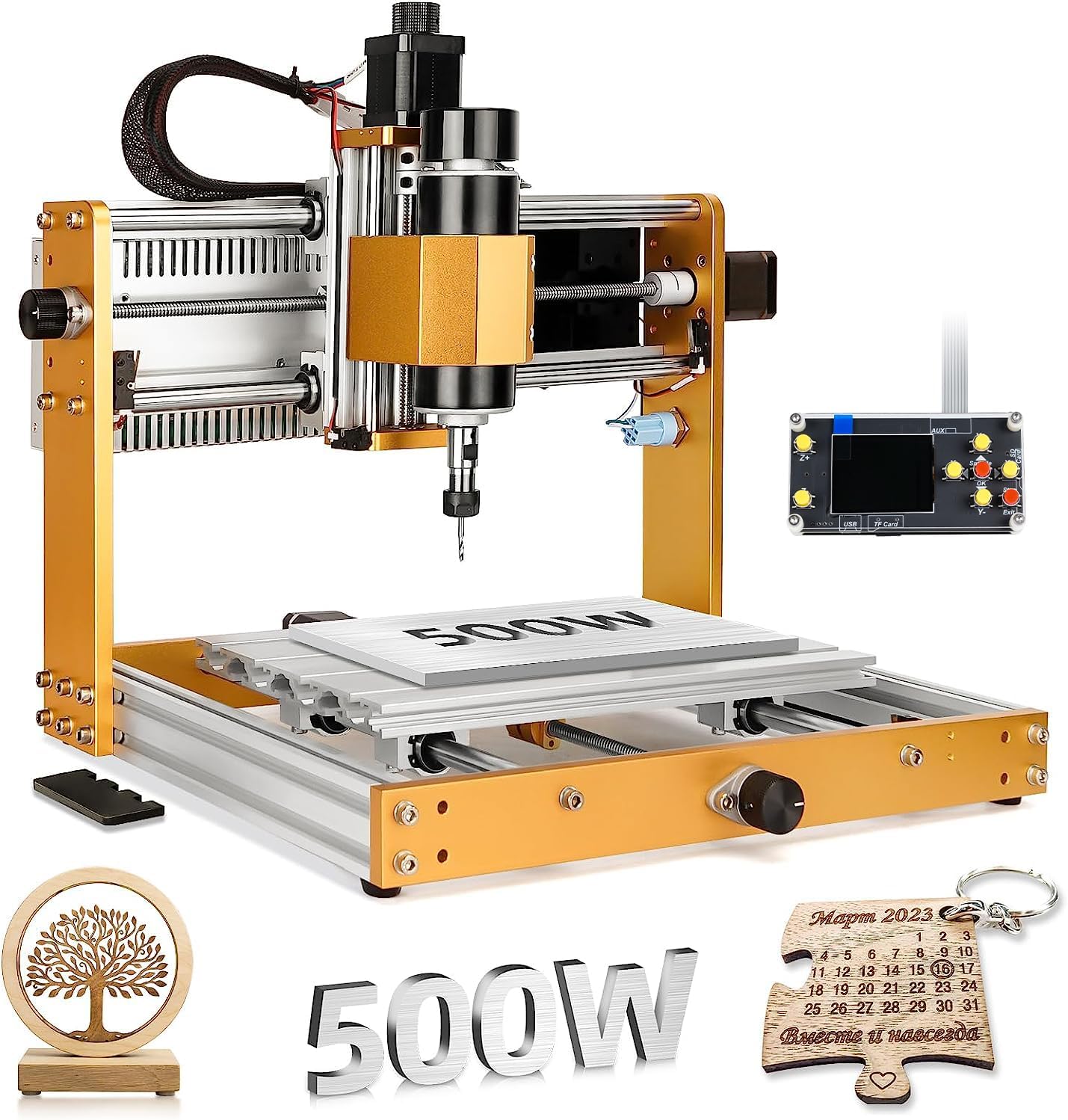
LUNYEE 3018 Pro Ultra 500W CNC Router

The Pro Max's 500W spindle and 80 mm of Z, moved onto a stiffer frame: an HGH15 linear guide on X, 4040 profiles under Y and a one-piece aluminium bed with a printed scale.

  • Spindle500W (0.67 hp)
  • Work area300 × 180 × 80 mm
  • X axisHGH15 linear guide on 2040 profiles
  • Y axis4040 profiles
  • SafetyX/Y/Z limit switches, E-stop
  • Weight14 kg
Suits
  • Brass, copper and 6061 engraving and light milling
  • Thick blanks that need 80 mm of Z
  • A bench machine with power supply and controller built in
Skip if
  • A bigger bed: the area is still 300 × 180 mm
  • The lowest-cost route to 500W: the Pro Max shares the spindle
  • Heavy aluminium roughing: it is still a desktop 3018
Get it here

Walnut relief and copper plate under the Pro Ultra's 500W spindle

The LUNYEE 3018 Pro Ultra is a 3018 in footprint and work area, 300 × 180 mm, but not in build. It takes the 500W spindle and 80 mm of Z from LUNYEE's Pro Max and puts them on a stiffer frame, with a linear guide where most 3018s have round rods.

LUNYEE aims it at metal. Its own list starts with brass, copper and 6061 aluminium, for drilling and engraving, and then runs through the softer materials every 3018 handles:

  • Copper and brass plate: engraved nameplates, labels and inlay pockets, where a stiff carriage keeps V-bit lines crisp.
  • 6061 aluminium: engraving, drilling and light pocketing in plate.
  • Walnut and other hardwoods: relief carving in blanks up to the 80 mm Z height allows.
  • Cast acrylic and MDF: signs, cut-outs and templates.
  • PCB: isolation milling on copper-clad board.

A 500W spindle changes the working rhythm more than the material list. A 120 W 775 slows and loses speed as the bit loads up; a 500W motor holds its speed through a deeper pass, which keeps the chip load steady and the finish cleaner in hardwood.

The 80 mm of Z helps just as much. It leaves room for a machine vise, a thick blank and a long-reach bit at the same time, which a 45 mm Z machine cannot fit.

More power and Z do not make a 300 × 180 mm bed any bigger. If most of your parts are long, a 3040-size machine or an extension kit solves a different problem.

The LUNYEE Pro Ultra rundown covers the linear rail and aluminium pocketing in depth, and the Pro Max comparison covers its sibling.

Measurements

The spec log

SpecValue
BrandLUNYEE
Model3018 Pro Ultra
Spindle500W (0.67 hp)
Working area300 × 180 × 80 mm (11.8 × 7.1 × 3.1 in)
Z-axis height80 mm
X-axis guideHGH15 linear guide
X-axis profiles2040 aluminium
Y-axis profiles4040 aluminium
FrameAll-metal
WorktableOne-piece machined aluminium plate with a measurement scale grid
Clamps in the box2 T-track mini hold-down clamps
Power supplyIntegrated switching power supply
SafetyLimit switches on X, Y and Z; emergency-stop switch
ControlGRBL, with offline controller
AssemblyMain parts pre-assembled, organised cabling, paper manual and videos
Materials namedBrass, copper, 6061 aluminium, wood, acrylic, MDF, plastic, PCB
Weight14 kg
ColourYellow

Squaring acrylic blanks on the scale-grid aluminium bed

The Pro Ultra's worktable is a one-piece machined aluminium plate with a measurement scale printed across it. LUNYEE's point is flatness and strength, and the scale makes lining up stock quicker.

Squaring a blank usually means a fence, a set square or an edge-finding routine. With a scale on the bed, a sheet of acrylic or a plywood blank can be set against two lines and started, and the offset read off the grid when you set the work zero.

The bed arrives with clamps. LUNYEE puts two T-track mini hold-down clamps in the box, which is enough to hold a blank at both ends from day one.

  • Two clamps in the box: fine for blocks held end to end.
  • Four hold points: sheet and panels want a clamp at each corner; add a second pair.
  • Clear top face: for facing and V-carving to the edge, add low side clamps.

The frame under the bed is the other half. X runs on an HGH15 linear guide over 2040 profiles, and Y rides on 4040 profiles, heavier than the 2040 extrusions most 3018s use. LUNYEE says this cures the Z-axis wobble common to desktop machines, and the extra section and profile rail point in that direction.

A flat aluminium bed is also a surface you can ruin. Put a sacrificial MDF sheet on top for through-cuts, and surface it once so it runs parallel to the gantry.

For extra holding, the LUNYEE tiger claw side clamps and a second set of LUNYEE mini hold-downs are both drawn for this bed.

In the lineup

Where it lands among 3018 gear

3018 CNC machine models by type, September 2026. Highlighted: LUNYEE 3018 Pro Ultra 500W CNC Router.

Offline runs, limit switches and the E-stop on a Pro Ultra

The Pro Ultra ships with the full safety and control kit that a basic 3018 leaves as add-ons. Limit switches sit on all three axes, an emergency-stop switch is on the machine, and an offline controller runs jobs without a computer.

Setup is shorter than on a bare kit. The main parts arrive pre-assembled with organised cabling, and the switching power supply is integrated into the machine instead of hanging off it as a separate brick. LUNYEE supplies assembly videos and a paper manual.

  1. Bolt the pre-assembled sections together following the manual.
  2. Connect the labelled motor, limit and spindle cables.
  3. Power up and jog each axis a short way to confirm direction.
  4. Home the machine so the limit switches set machine zero.
  5. Load a job from the offline controller or a GRBL sender, and run it in air first with the spindle off.

Limit switches earn their place in two ways. They stop an axis that runs past its travel, and they let GRBL home to a repeatable machine zero, so a job that stops halfway can resume from the same coordinates.

  • Homing on: GRBL setting 22 enables it once switches are wired and tested.
  • Soft limits: setting 20 stops jobs that would drive past the travel stored in settings 130–132.
  • E-stop: keep it where your hand reaches it without leaning over the bed.

The offline controller suits a machine in a garage: copy the G-code to its card, set zero with the jog buttons, and start. A GRBL sender such as Candle or UGS over USB suits jobs you want to watch and adjust; the 3018 software rundown compares them.

Test the E-stop before the first real cut. Start a job in air, press the button, and confirm the spindle and every axis stop.
Swap-ins

Three other ways to go

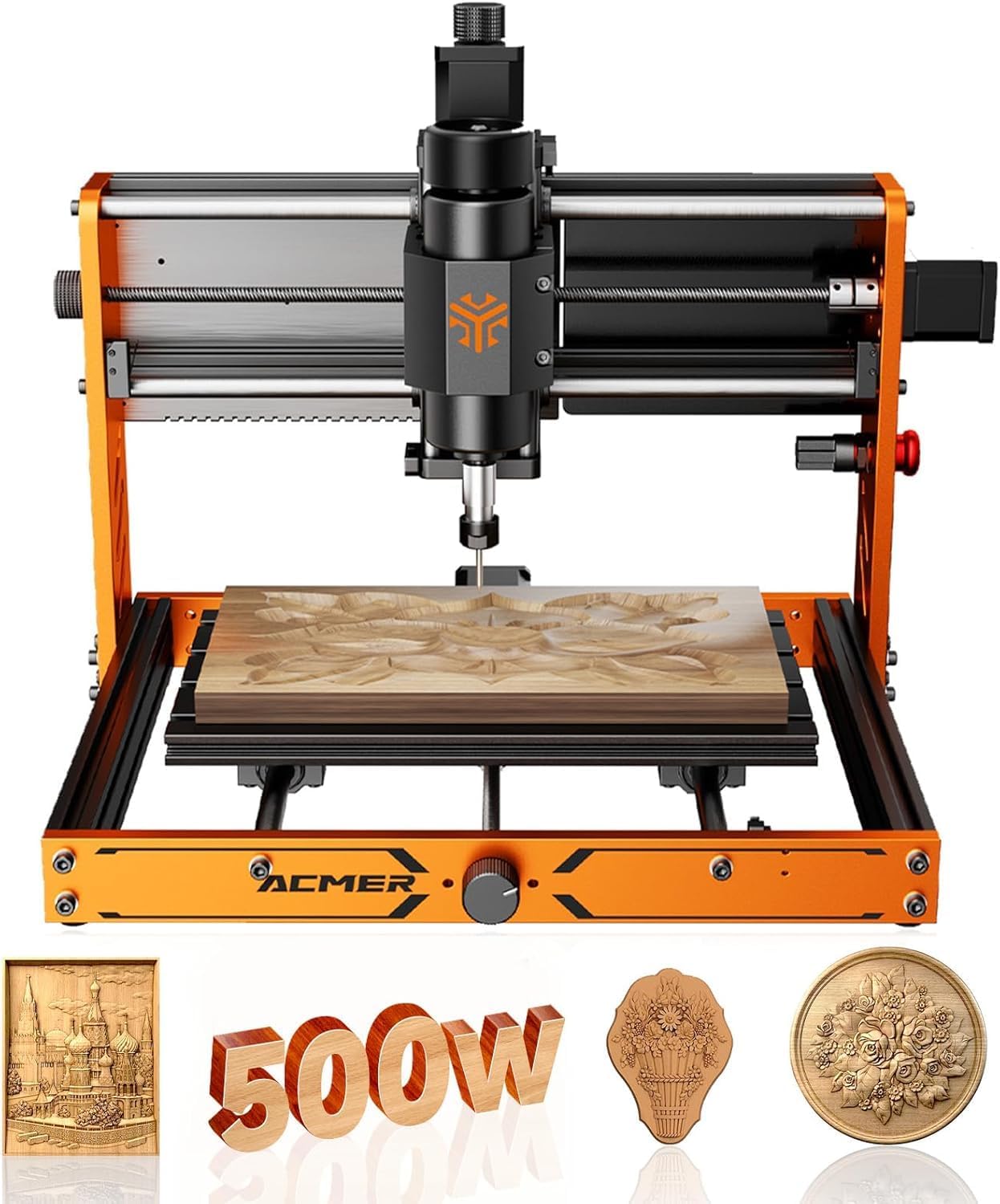
Tool setter and macOS2 ACMER Ascarva 3S 500W CNC Router
ACMER Ascarva 3S 500W CNC Router
The ACMER Ascarva 3S pairs a 500W spindle with an ESP32 board, a tool setter and a 300 × 180 × 78 mm area.
  • 300 × 180 × 78 mm
  • 500W spindle motor
  • GRBL control over USB
Get it here
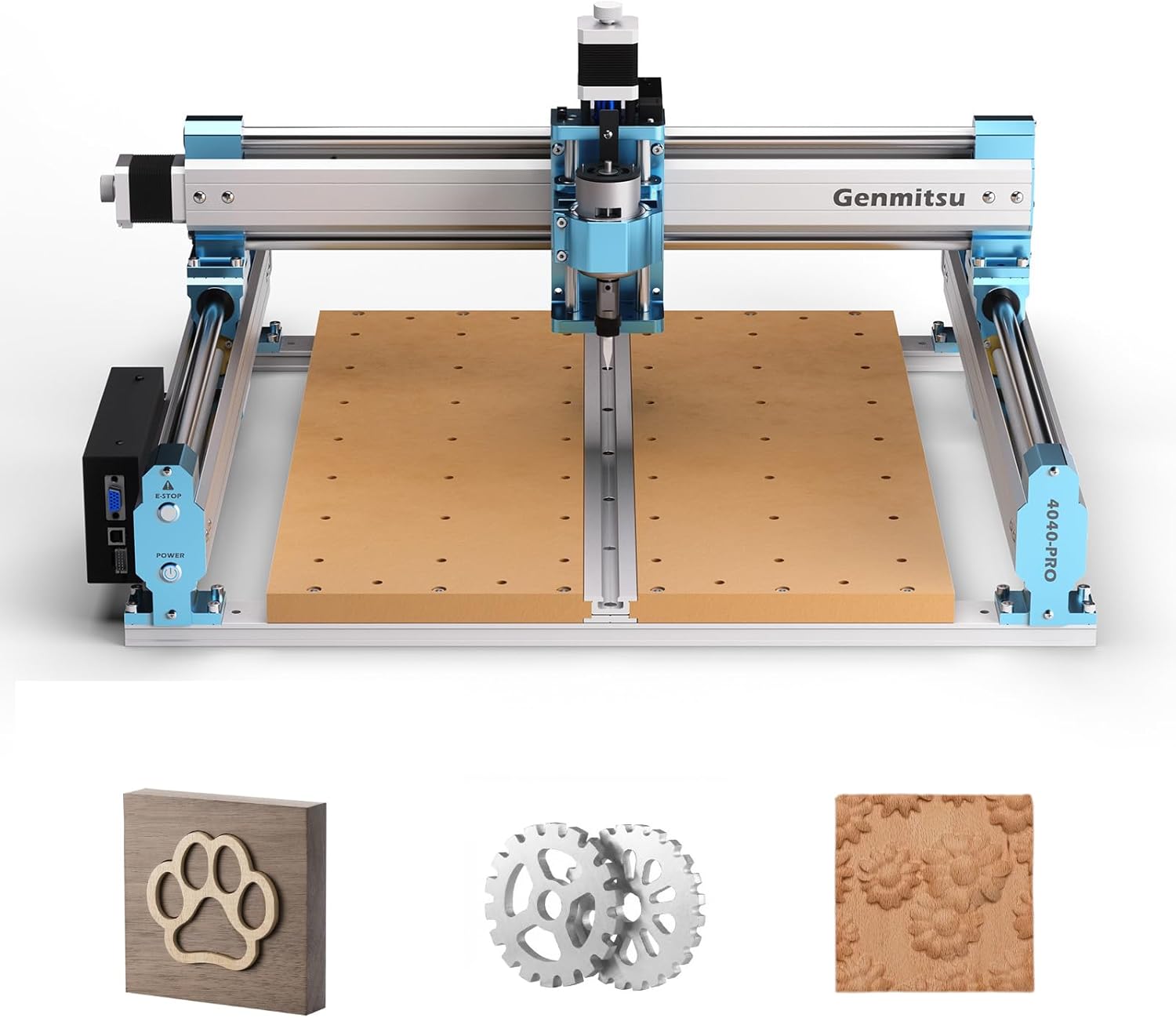
Bigger bed3 Genmitsu 4040-PRO CNC Router
Genmitsu 4040-PRO CNC Router
The Genmitsu 4040-PRO moves up to a 400 × 400 mm class bed for metal and acrylic.
  • The step up from a 3018
  • 400 × 400 mm work area
  • Stiffer frame for metal and acrylic
Get it here

Pro Ultra next to the Pro Max, ACMER 3S and 4040-PRO

Three machines sit close to the Pro Ultra, and each answers a different priority: less outlay for the same spindle, a different controller, or a bigger bed.

MachineSpindleWork areaFrame and guides
LUNYEE 3018 Pro Ultra500W300 × 180 × 80 mmAll-metal, HGH15 on X, 4040 Y
LUNYEE 3018 Pro Max500W, 0–12,000 rpm300 × 180 × 80 mmAll-metal, 12 mm round rods
ACMER Ascarva 3S500W, 48 V, 12,000 rpm300 × 180 × 78 mmAluminium, ESP32 board
Genmitsu 4040-PROSeparate class400 × 400 mm classLarger machine for metal and acrylic

The Pro Max is the closest relative: same spindle, same Z, same all-metal idea, but on round rods and without the linear guide or the heavier Y profiles. For mostly wood it covers most of the same jobs. For brass, copper and aluminium, the Ultra's stiffer X is the reason to pay more.

The ACMER 3S adds a tool setter, a parameter table and an ESP32 board that talks to Windows, macOS or Linux. The 4040-PRO trades the desktop footprint for a bed more than twice the size.

  • Metal-first bench at 3018 size: the Pro Ultra.
  • Wood-first, same spindle: the LUNYEE 3018 Pro Max.
  • Mac user who wants a tool setter: the ACMER 3S.
  • Bigger parts: a 4040-size machine.

Accessories overlap across the LUNYEE pair as well. The tiger claw and mini hold-down clamp sets name both the Pro Max and the Pro Ultra, so clamps bought for one machine move to the other.

Checks before ordering: your parts fit 300 × 180 mm, your bench carries 14 kg without flexing, and you have a sacrificial board planned for the aluminium bed.

Bench notes

Setup questions

What does the Pro Ultra add over the Pro Max?

An HGH15 linear guide on X, 2040 X profiles and heavier 4040 Y profiles, a one-piece scale-grid aluminium bed, an integrated power supply and two clamps in the box.

Can the LUNYEE 3018 Pro Ultra cut aluminium?

LUNYEE names brass, copper and 6061 aluminium for drilling and engraving. Keep passes light and bits sharp; it is still a desktop machine.

How big is the work area?

300 × 180 × 80 mm, the standard 3018 bed with 80 mm of Z.

Does it need a computer?

No. It ships with an offline controller, and it also runs from GRBL software over USB.

How heavy is it?

About 14 kg, so a sturdy bench helps.