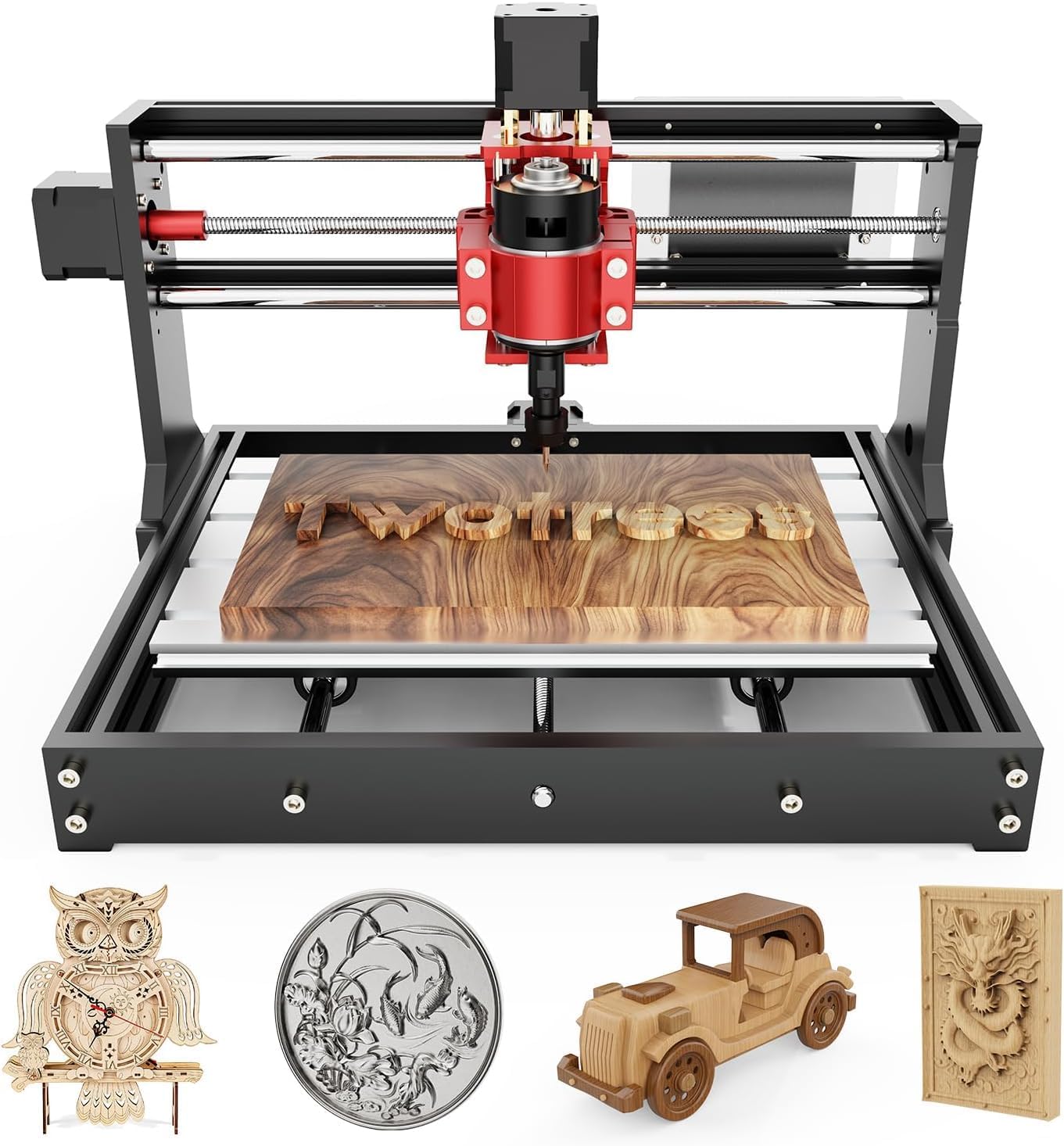
- 300 × 180 × 45 mm
- 775 brushed spindle, ER11 collet
- Offline controller: runs without a PC
Every 3018 job passes through two programs: one draws the part and writes G-code, the other streams that code to the GRBL board over USB. A third, LaserGRBL, joins in once a diode module rides on the Z carriage.
Logged September 2026Send G-code and jog the machine with Candle or Universal Gcode Sender (UGS); both talk to GRBL 1.1 at 115200 baud. Make the G-code in Easel for simple signs, in Carveco Maker or Fusion 360 for proper CAM, and in LaserGRBL or LightBurn for a laser head. On Windows, install the CH340 USB driver before plugging in.
A 3018 has no screen of its own worth the name, so the computer does the thinking. Design software draws the part, CAM software turns it into toolpaths and G-code, and a sender streams those lines to the GRBL firmware on the controller board.
GRBL is small open-source firmware that reads G-code one line at a time and turns it into step pulses for the X, Y and Z motors. It does not store the whole job. The sender feeds it line by line over USB, so the cable and the computer stay connected until the last pass finishes.
An offline controller changes step three. The Genmitsu 3018-PRO and the CNCTOPBAOS 3018-PRO ship with a hand-held module that reads G-code from an SD card, so the laptop can leave the garage once the file exists. CAM still happens on a computer; only the streaming moves to the card.
Some bundles skip the separate CAM step. Easel draws, plans and sends inside one browser tab, which suits a first sign or coaster. The trade is control: fewer toolpath types and fewer ways to tune the cut.
| Program | Job in the chain | Runs on | Licence |
|---|---|---|---|
| Candle (GRBLControl) | Sender: jog, set zero, stream G-code, probe a PCB height map | Windows | Free, open source |
| Universal Gcode Sender | Sender with a 3D visualiser, macros and a probe module | Windows, macOS, Linux (Java) | Free, open source |
| Easel | Design, toolpaths and sending in one browser tab | Browser plus a small local driver | Free tier, Pro subscription |
| Carveco Maker | 2D and 2.5D CAM, V-carved lettering, reliefs | Windows | Subscription |
| Fusion 360 | CAD and CAM with a GRBL post-processor | Windows, macOS | Free personal-use licence with limits |
| LaserGRBL | Raster photos and vector outlines for a diode laser | Windows | Free, open source |
| LightBurn | Laser layout, material tests and control | Windows, macOS, Linux | Paid licence after a trial |
| FlatCAM | Gerber files to isolation-milling G-code | Windows, macOS, Linux | Free, open source |
| CH340 driver | USB-to-serial link between computer and board | Windows; Linux and recent macOS include one | Free |
Platforms and licence types as each developer publishes them, September 2026. Free tiers and subscription terms change from year to year.
Candle is the sender most 3018 kits point to first. It is a Windows program with a jog pad, a spindle switch, a 3D preview of the toolpath and buttons that set the current position as work zero.
Universal Gcode Sender does the same jobs on Java, so it runs on a Mac or a Linux box as well as Windows. Its visualiser, macro buttons and probe module make it the usual choice once jobs get longer. Both open the board's serial port at 115200 baud, the GRBL 1.1 default.
Candle also probes a grid across a copper board and bends the toolpath to follow it, a feature called the height map. That single button is why many PCB makers keep Candle even after moving to UGS for wood. The machine and work coordinates entry explains what the zero buttons change underneath.
Genmitsu 3018-PRO CNC Router Kit |
Twotrees TTC3018 CNC Router |
Twotrees TTC3018 Pro CNC Router |
Genmitsu 3018-PROVer V2 CNC Router |
CNCTOPBAOS 3018-PRO CNC Router |
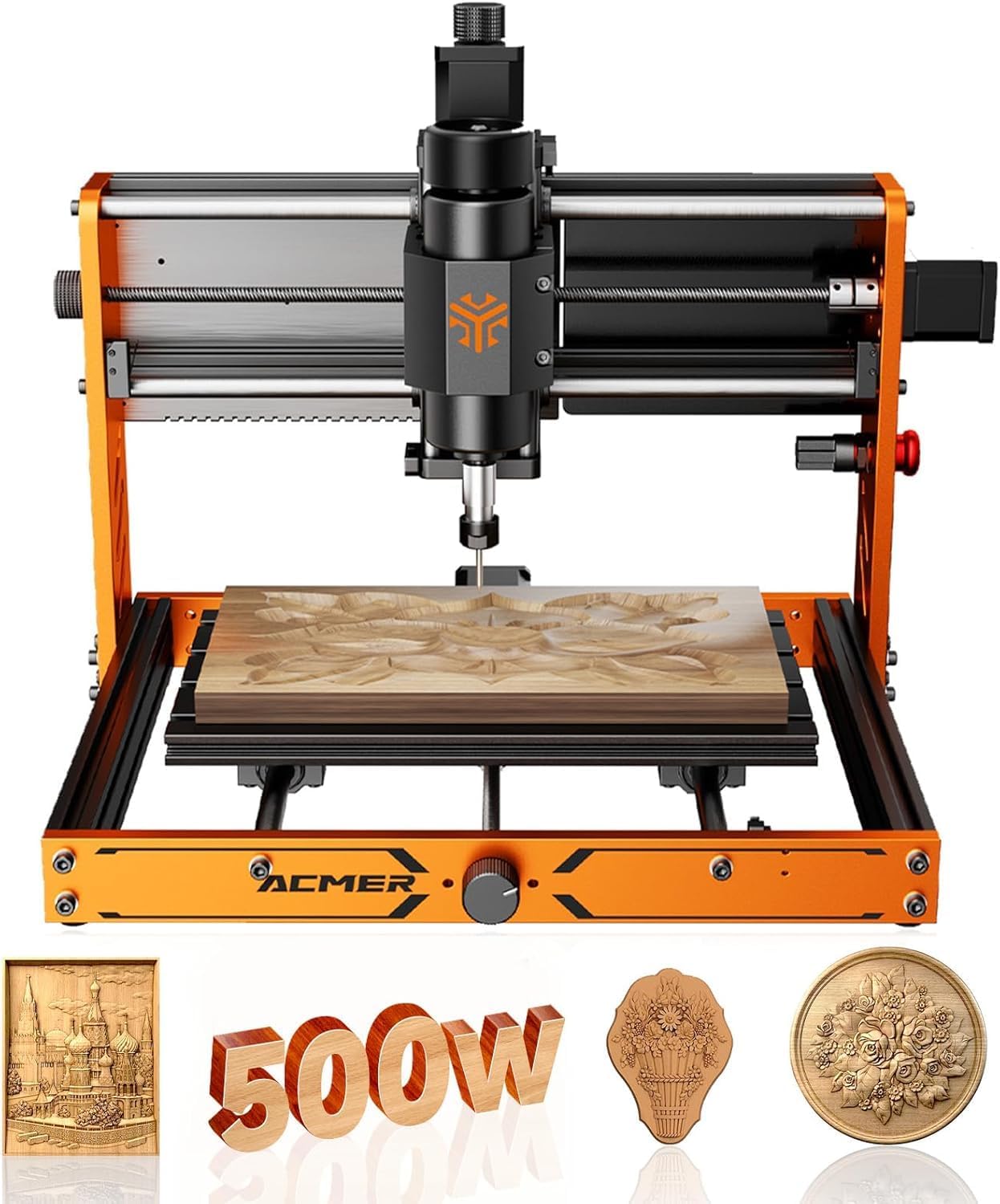
ACMER Ascarva 3S 500W CNC Router | |
| Type | Machine | Machine | Machine | Machine | Machine | Machine |
| Spindle | 775 spindle | 775 spindle | 775 spindle | 775 spindle | 775 spindle | 500W spindle |
| Work area | 300 × 180 × 45 mm | 300 × 180 × 40 mm | 300 × 180 × 40 mm | 284 × 180 × 41 mm | 300 × 180 × 45 mm | 300 × 180 × 78 mm |
| Frame | Aluminium + plastic | Aluminium + plastic | All-metal | All-metal | Aluminium + plastic | Aluminium + plastic |
| Linear guides | No | No | No | No | No | No |
| Offline controller | Yes | Not included | Not included | Not included | Yes | Not included |
| Get it here | Get it here | Get it here | Get it here | Get it here | Get it here |
The CAM program sets how the cut behaves, so it matters more than the sender. Choose it by the kind of part on the bench, not by the name on the box.
Fusion 360's free personal-use licence has limits. Rapid moves are converted into feed-rate moves, so jobs take longer than the toolpath suggests, and the number of editable documents is capped. For a hobby 3018 those limits rarely stop a project.
Whatever the program, enter the 3018's reality: a 1/8-inch or 3.175 mm shank, an ER11 collet and a spindle between 9,000 and 20,000 rpm depending on the motor. Tool libraries written for full-size routers assume far more stiffness. Start from the feed and depth tables and let the first cut in scrap set the numbers.
The 3018-PRO kit ships with Carveco Maker for design and Candle for sending, and its 5W laser module runs from the same GRBL board. Every program in the chain is covered on the first day.
Get it hereTyping $$ prints about thirty numbered settings, each line a dollar sign, a number and a value, and most can stay as the maker shipped them. A handful decide whether the spindle speed, laser power and soft limits behave the way the software expects.
| Setting no. | What it controls | Why it matters on a 3018 |
|---|---|---|
| 30 / 31 | Spindle speed at full and minimum PWM | Many boards ship with 30 set to 1000, so S1000 means full speed and S10000 from CAM simply clamps |
| 32 | Laser mode | 1 for a diode head, 0 for the spindle; laser mode keeps moving through power changes |
| 100–102 | Steps per millimetre | Set by screw lead and microstepping; a wrong value scales every part |
| 110–112 | Maximum rate, mm/min | Caps rapids; the TTC3018 is rated to 1500 mm/min, the LUNYEE Pro Max to 5000 |
| 20–22 | Soft limits, hard limits, homing | Only useful when limit switches are fitted and wired |
| 130–132 | Maximum travel | Tells soft limits the size of the frame |
The spindle-maximum mismatch is the most common one. A CAM file that asks for S10000 on a board set to 1000 runs the spindle flat out, which is harmless for a 775 but wrong for a laser at partial power. Match setting 30 to the number the CAM program writes, or change the CAM post to scale into 0–1000.
Save the $$ printout before changing anything. If a setting goes wrong, typing the old line back restores it in a second.
A diode module swaps the router's job from cutting to burning, and a different program fits that work. LaserGRBL imports a photo or an SVG, converts it to lines or dots, and streams it with laser mode on.
LaserGRBL is free and Windows-only; LightBurn is paid, runs on all three desktop systems and adds material tests, layers and camera alignment. Both drive the 3-pin laser header on a 3018 board through the same S value that sets spindle speed. The laser module entry covers power, focus and goggles.
Circuit boards take their own chain. KiCad or EasyEDA exports Gerber and drill files, FlatCAM turns the copper outline into isolation toolpaths for a V-bit, and Candle's height map keeps the cut depth even on a board that is not perfectly flat.
Wireless options remove the USB cable altogether. Genmitsu's GGW-UART module sends G-code from a phone app to the 3018-PRO, and the MKS DLC32 kit adds a 32-bit board with Wi-Fi and a TS35-R screen. Both still need CAM on a computer first; the upgrade order puts them after the probe and clamps.
Yes. UGS runs on macOS through Java, Easel runs in a browser, and Fusion 360 and LightBurn have Mac versions. Candle and LaserGRBL are Windows programs.
Usually the CH340 USB driver is missing or another program holds the port. Install the driver, close other senders, pick the new COM port and connect at 115200 baud with a data-capable USB cable.
The free tier designs, plans toolpaths and sends G-code to GRBL machines like the 3018. V-carving and some advanced toolpaths need the Pro subscription.
GRBL locks after a reset, a limit hit or an interrupted job. Send $X to unlock a machine without switches, or $H to home one that has them, then re-zero before cutting.
Yes, with an offline controller. The Genmitsu 3018-PRO and CNCTOPBAOS kits include one that reads G-code from an SD card; the CAM work still happens on a computer beforehand.
It varies by maker. The Genmitsu 3018-PRO comes set up for Candle, with Carveco Maker in its laser bundle, and VEVOR includes Candle with both of its 3018s. UGS and the free tier of Easel cover any GRBL 3018 that arrives without a program.